




 53 / 72

For More Information Visit
www.btechavmounts.comB-TECH
PROFESSIONAL
53
SMALL
MEDIUM
LARGE
LARGE
LARGE
CustomFlat Screen Floor Stands
Floor Stand
MountingSystem
now the Screen Mount...
then add Collars...
Step4
BT7510, BT7511, BT7521,
BT7522, BT7523 or BT7505
(1x BT7260 or 1x BT4041 Collar required)
BT7514 (Short Arm),
BT7518 or BT7532
(2x BT7260 or 2x BT4041 Collar required)
Flat ScreenMounts
Pole Suitability Key >
Complete Floor Stand Example
SAFEFOR
FREESTANDING
MUSTBEBOLTED
TOTHEFLOOR
Step3
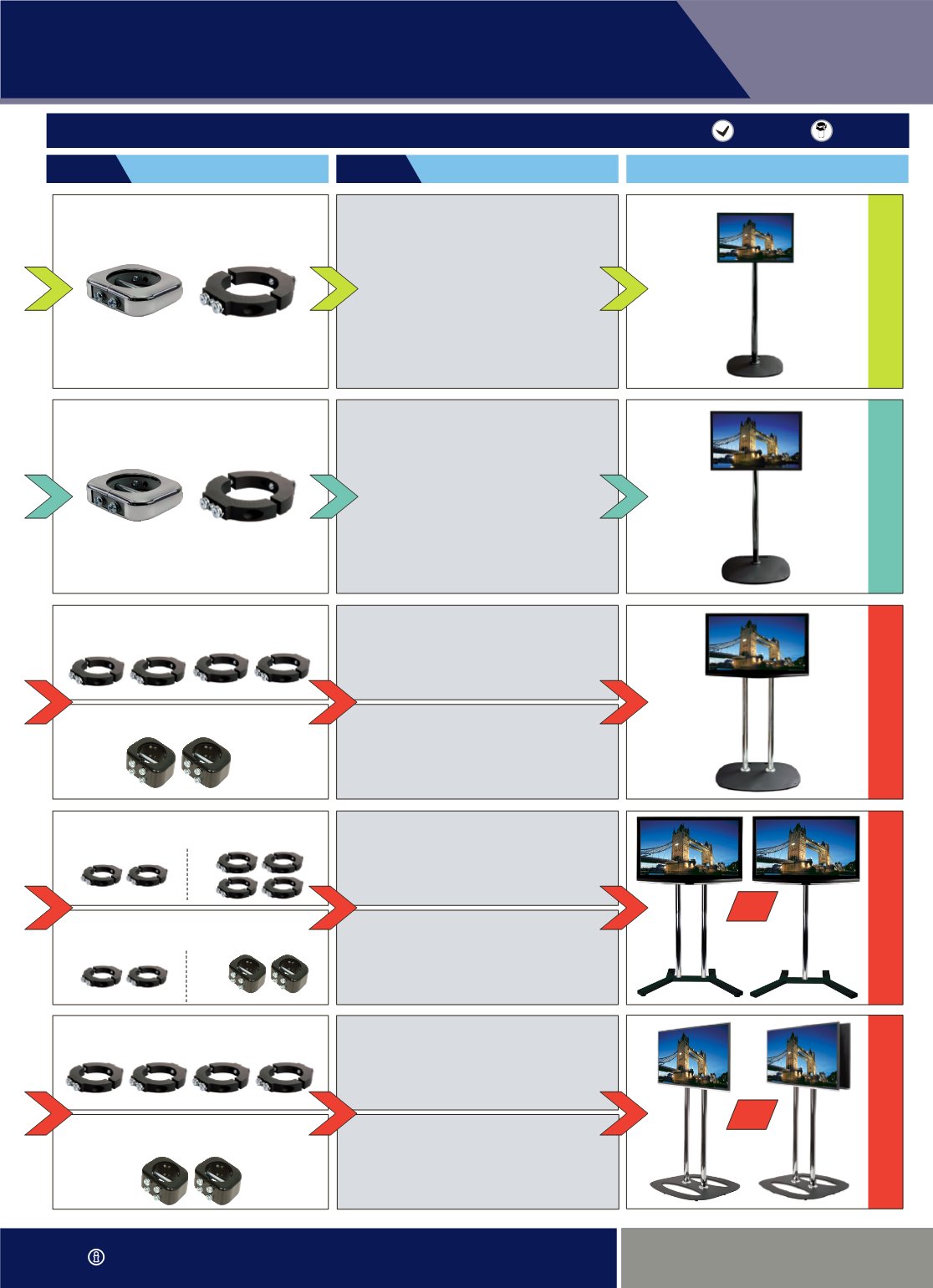
This chart shows parts for typicalscreenmountingapplication
and is not an exhaustive list of mounting options.
1x or 2x BT8009 plus BT7507 or BT8500
(for Single or Back-to-Backmounting)
Flat Screen InterfaceKits
BT7260 or BT4041
ø
60mmCollar(s) Required
(1 or 2 required depending which
mount is selected in step 4)
BT7260 or BT4041
ø
60mmCollar(s) Required
(1 or 2 required depending which
mount is selected in step 4)
BT8009 plus BT7507 or BT8500
Flat Screen InterfaceKits
BT7510, BT7511, BT7521,
BT7522, BT7523 or BT7505
(1x BT7260 or 1x BT4041 Collar required)
BT7514 (Short Arm),
BT7518 or BT7532
(2x BT7260 or 2x BT4041 Collar required)
Flat ScreenMounts
4x BT4041
ø
60mm
Collars Required
2x BT7060
ø
60mmCollars Required
2x BT4041
ø
60mmCollars
(when 1 pole used)
or 2x BT7060
ø
60mmCollars
(when 2 poles used)
4x BT4041
ø
60mmCollars
(for Single or Back-to-Back mounting)
2x BT7060
ø
60mmCollars
(for Single or Back-to-Back mounting)
BT8009 plus BT8432-PRO
Flat Screen InterfaceKits
BT8431-PRO or BT8432-PRO
Flat Screen InterfaceKits
2x BT4041
ø
60mmCollars
(when 1 pole used)
or
4x BT4041
ø
60mmCollars
(when 2 poles used)
BT8009 plus BT7507 or BT8500
Flat Screen InterfaceKits
1x or 2x BT8431-PRO or BT8432-PRO
(for Single or Back-to-Backmounting)
Flat Screen InterfaceKits
OR
OR